

Some iOS 27 issues may manifest itself after a significant iPhone software upgrade especially when the device is still executing background operations. After updates, people often complain of rapid battery consumption, heating, Wi-Fi or Bluetooth connectivity issues, app crashes, latency and functions that appear unavailable.
On September 14, 2026, Apple released iOS 27 with Siri AI and a new generation of Apple Intelligence capabilities, as well as broader software upgrades. Apple also points out that the availability of some features may depend on the iPhone model, language and area.
If your iPhone has been acting a bit strange since the update, try these fixes before you do any major debugging.
Apple iOS 27 Battery Drain
Perhaps one of the first things that customers might notice following a large iOS upgrade is battery drain.
Your iPhone may use a little more power for a short time as the system completes some background tasks connected to the upgrade. Apple also particularly warns that these operations can drain the battery for a few days following an upgrade while they are completed.
How to Stop iOS 27 Battery Drain
Go to:
Settings → Battery & Power
Check which apps and system activities are consuming the most power
You can also try setting Low Power Mode, dimming your screen, using Auto Brightness and limiting needless background activity.
If the problem started soon after you got iOS 27, give the phone a few days before making any long-term battery life judgements.
iPhone Gets Hot After iOS 27 Update
Is your iPhone heating up after updating?
As your iPhone completes setting itself up and downloading updates in the background, it may be producing some extra heat. Battery intensive, gaming, navigation, video recording and charging apps can all add to the heat.
Do not ask for difficult work while the phone is already heated and take it out of excessively warm situations.
Apple advises using the iPhone in ambient temperatures between 16°C and 22°C whenever possible, and says using or charging it in more than 35°C will irreversibly damage battery life span.
If overheating persists for several days under normal use, check for another software update and look for abnormally power hungry programs under Battery settings.
iOS 27 Wi-Fi Not Working
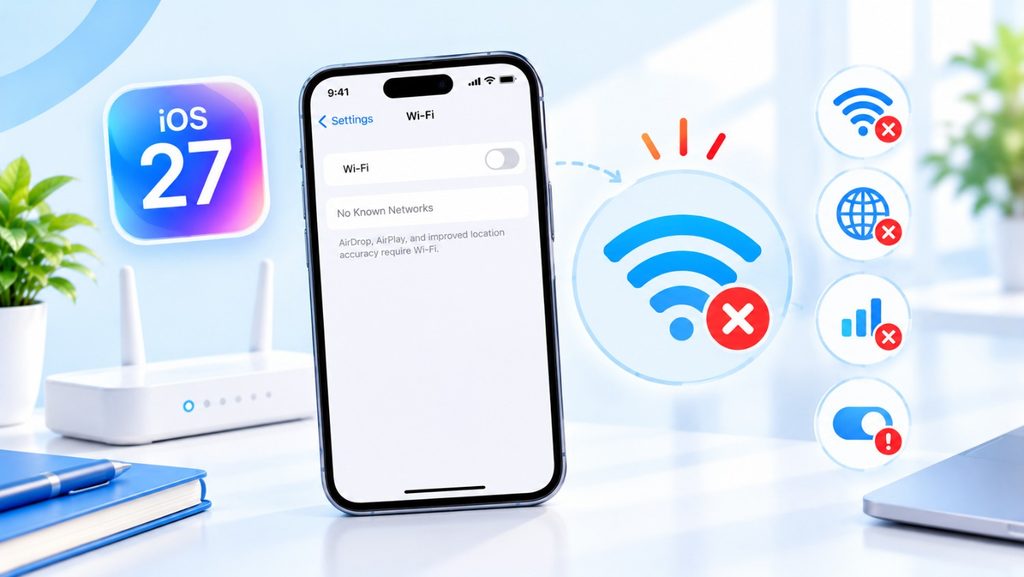
Another annoying iOS 27 bug is Wi-Fi refusing to connect, disconnecting for no reason, or being connected without Internet access.
Start with the Easiest fixes:
- Turn Wi-Fi Off, then On. Restart Your iPhone and Restart Your Router.
If one network has a difficulty, connect your iPhone to another Wi-Fi network. This can assist narrow down if the problem is with the iOS, the iPhone or the router.
Sometimes, VPNs and third-party security software might also interfere with network connectivity. Apple suggests checking out such apps for resolving persistent network problems.
Bluetooth Issues After iOS 27
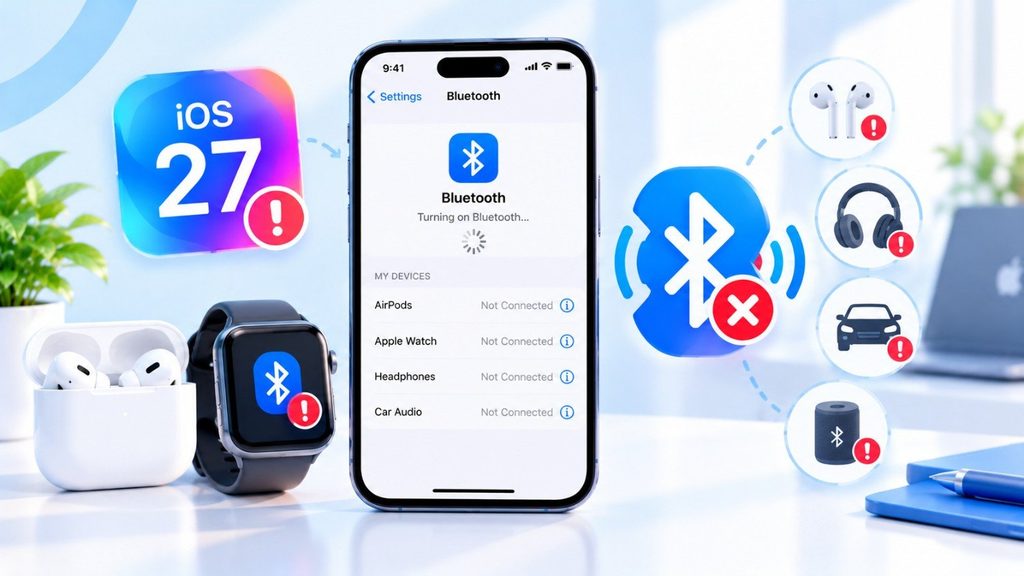
Occasionally you may need to re-pair AirPods, vehicle audio systems, headphones, smartwatches and other Bluetooth accessories after a software upgrade.
Open in order:
Settings > Bluetooth
Turn off the Bluetooth for a few seconds, then turn it back on. You can also try restarting both your iPhone and the attachment.
If you have recurring troubles, forget the accessory and re-pair it.
One valuable piece of information is that turning off Bluetooth in Control Center doesn’t turn off Bluetooth entirely. Bluetooth will still work for some functions on the system, but most accessories will be disconnected, Apple says. To disable it entirely, go to Settings → Bluetooth.
When iOS 27 be released?
On September 14, 2026, Apple released iOS 27, which included more extensive software enhancements along with Siri AI and a new generation of Apple Intelligence capabilities. Additionally, Apple points out that the model, language, and location of the iPhone can affect whether features are available.
What iOS 27 Will Have
What makes this update different? iOS 27 will focus a lot on “Invisible Intelligence,” which will make your phone smarter without you having to Press as many buttons.
Siri for the Next Generation
Siri’s brain is getting a big boost. Siri to be more like a personal assistant and less like a robot in iOS 27.
- Context Awareness: Siri will remember what you asked about five minutes ago. You won’t have to repeat the details.
- Help Before You Need It: If you have a meeting in 30 minutes and traffic is bad, Siri might tell you to leave early, even if you don’t ask.
Interactive Widgets 2.0
Widgets changed how we use our home screens, but iOS 27 might take them even further.
- Live Action: Imagine being able to see sports scores or track a delivery right from your home screen without having to open an app.
- Making it bigger: Instead of having to delete and add widgets again, you might finally be able to resize them by pinching them.
Better battery management
Most people are most worried about how long their batteries will last in iOS 27. There are rumors that iOS 27 will come with new AI software that learns how you use your phone and saves battery life. It puts apps to sleep when you’re not using them, which could help your battery last longer.
A New Look for the Control Center
The Control Center lets you change the brightness and volume. The layout of iOS 27 might be completely new and easier to change, so you can put your most-used buttons where your finger can reach them.
Read More: Apple Creator Studio: The Ultimate Tool for Creators.
Supported iPhone that able to Run iOS 27?
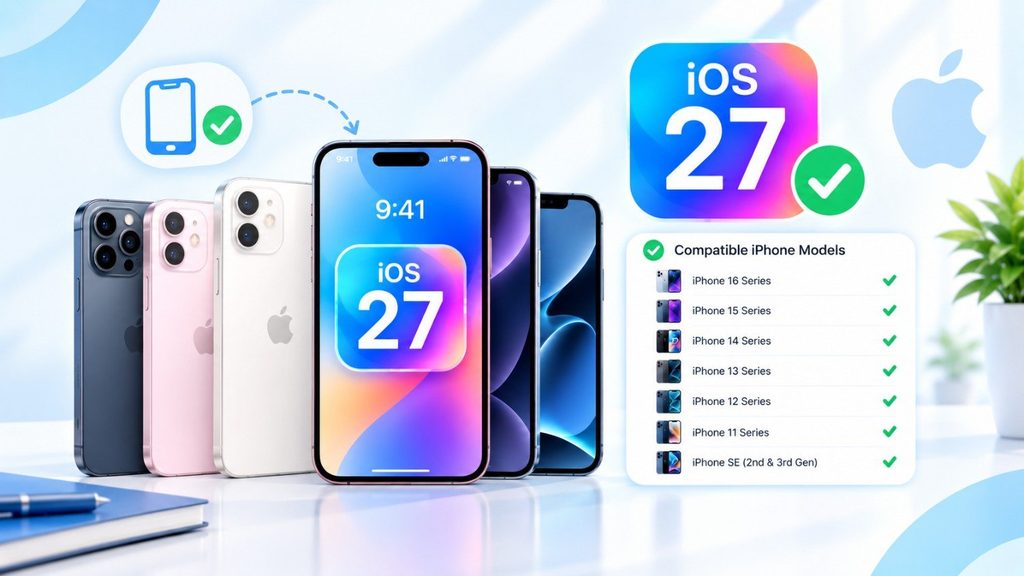
This is the most important question. Sometimes, older phones can’t keep up with newer software.
Based on what Apple has done in the past, we think this will work:
- Supported: It’s safe to bet on the newer models, like the iPhone 14, 15, 16, and later ones.
- On the Fence: This year, support for older devices like the iPhone 12 or 13 might end, or you might only get a “lite” version of the update that doesn’t have all the heavy AI features.
Is It Worth the Wait?
Yes, of course. Even though the current version is great, iOS 27 is trying to make your phone feel more personal and easy to use. Your iPhone is no longer just a tool; it’s becoming a partner that knows what you need.
In June, we’ll finally get to see what the iPhone will look like in the future!
Questions and Answers
Q: Is it possible to get iOS 27 for free?
A: Yes, all major updates to iOS software are free.
Q: Will it delete my pictures?
A: No, updating to iOS 27 will not erase your data. But it’s a good idea to back up your phone to iCloud before you install a big update.