

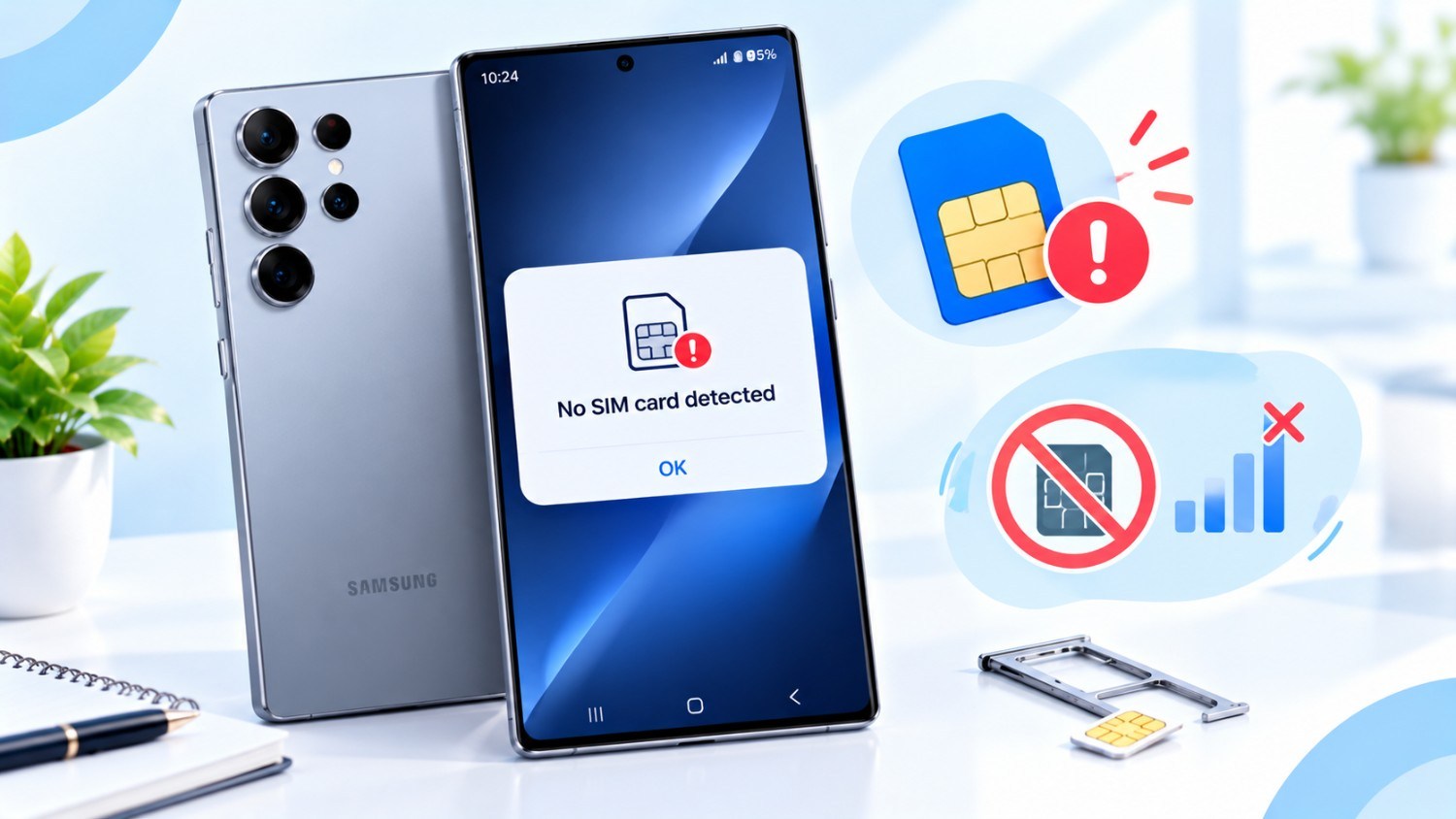
The Galaxy S26 Ultra is already getting a lot of attention if you’re excited about Samsung’s flagship phone. Samsung is known for pushing the limits of smartphone technology, and it looks like they’re going to make another powerful device that has style, speed, and great camera features.
A Stunning AMOLED Display.
The big 6.9-inch Dynamic AMOLED display on the Samsung Galaxy S26 Ultra is one of the best things you’ll notice. Galaxy S24 Ultra promises bright, vivid colors and deep blacks that make video quality look amazing. The 3200 x 1440 resolution and 120 Hz refresh rate make scrolling through apps or playing games feel very smooth and super responsive. Also, the phone’s sleek glass and metal design makes it feel premium, and it’s strong enough to use every day.
A Powerful Processor.
The S26 Ultra has the newest chipset inside, either Samsung’s own Exynos or the Snapdragon, depending on where you live. This powerful phone can handle anything you throw at it, like playing any mobile games, doing multiple tasks at once, or running apps that need a lot of power. You will get 16GB of RAM and storage options that start at 256GB and go all the way up to 1TB.
Read More: Apple iOS 26 Rolls Out: Everything You Need to Know.
You also won’t have to worry about running out of power. The phone has a 5000 mAh battery that can charge very quickly over both wired and wireless connections. This means you can use your phone more and charge it less. Smart power management of this phone also helps the battery last longer through the whole day.
Photography That Stands Out.
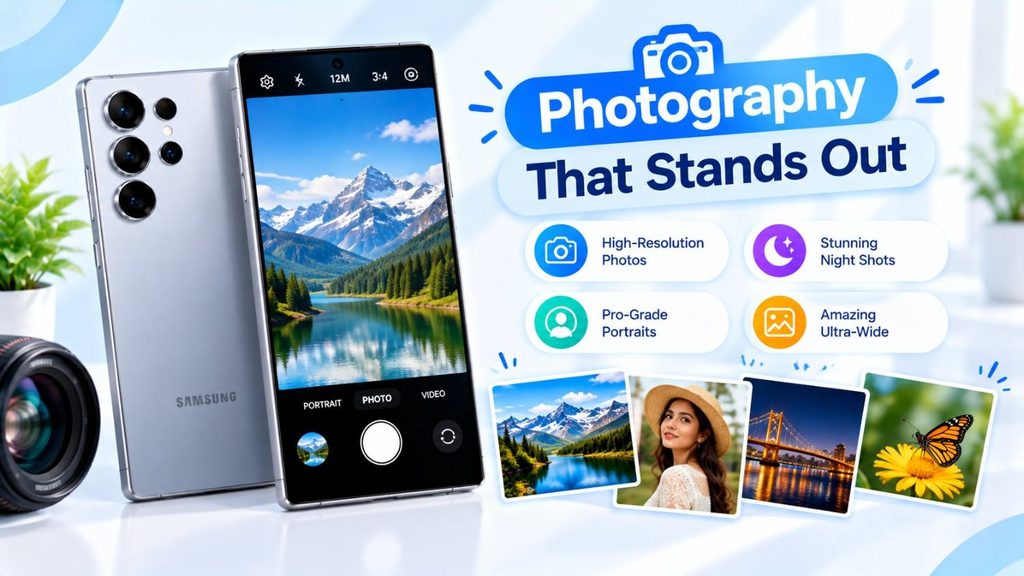
Samsung has always been a leader in smartphone photography, and the S26 Ultra is no different. It has a flexible four-camera setup, with a 200MP main sensor that stands out. This means that even in bad lighting conditions, your pictures will show amazing detail. Other lenses are an ultra-wide-angle lens for wide landscape photos, a periscope telephoto lens with 10x optical zoom for close-up shots from a distance, and a depth sensor for making beautiful portraits with a natural background blur.
With better AI features, you can expect better low-light shots, smoother video stabilization, and creative modes that make it easier than ever to take professional-looking photos and videos.
Fix Samsung Galaxy “No SIM Card Detected” Problems
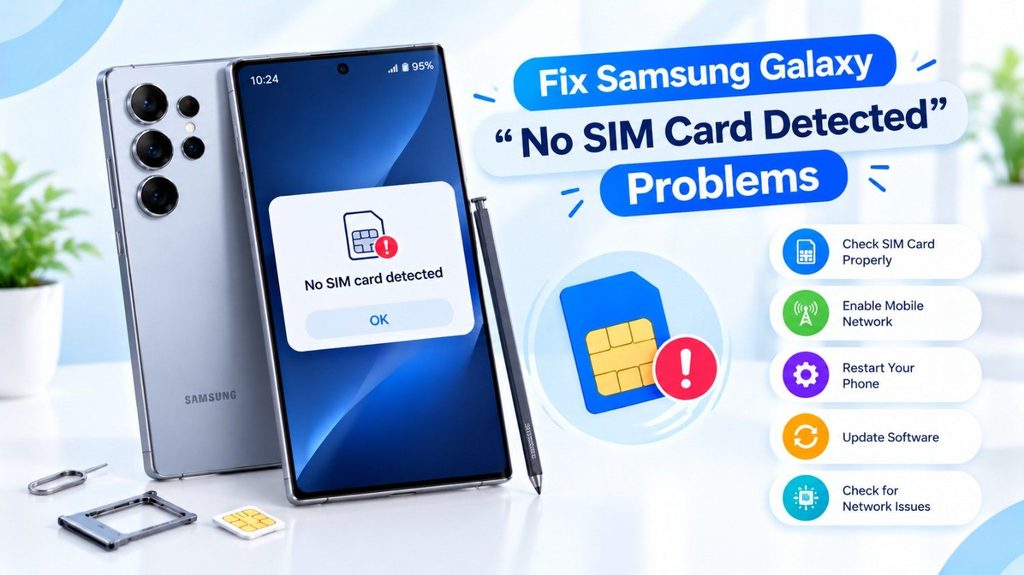
Get step-by-step troubleshooting for SIM card failures, network settings, and hardware tests to fix your Samsung Galaxy device.
If you are seeing a “No SIM Card Detected” error on your Samsung Galaxy device even after you have inserted a SIM card, here are some practical techniques to troubleshoot and fix the issue.
1. Why is my Samsung Galaxy saying No SIM card detected?
This mistake is frequently caused by:
- SIM card not installed correctly or loose
- SIM card is damaged or corrupted
- Software bugs or network configuration problems
- SIM card tray damaged or hardware failure
2. How to Restart Your Samsung Galaxy Phone?
- Press and hold the Power button for 10 seconds until the gadget turns off.
- Turn it off, wait 30 seconds and click the Power button again.
- Ensure that the “No SIM Card Detected” issue is gone.
3. How can I check/reinstall the SIM card?
- Power off your phone altogether.
- Remove the SIM card tray with the eject tool provided or a tiny pin.
- Remove the SIM card and check for any apparent damage such as scratches, bends and dampness.
- Wipe the SIM card and tray gently with a dry, lint-free cloth.
- Replace the SIM card into the tray, ensuring it is correctly positioned with the gold contacts facing downwards.
- Securely fit the tray back into your phone and turn it on.
4. How to Reset Network Settings on Samsung Galaxy?
- Open Settings > Connections > Mobile Networks
- Tap Reset Settings or Reset Network Settings.
- When prompted, confirm the reset.
- Adjust your mobile network settings as needed.
5. What else should I look at?
- Test the SIM card in another suitable phone to make sure the card is working.
- Check that your phone is compatible with your current type of SIM card (Nano-SIM, eSIM, etc.).
- Navigate to Settings > Software Update to check for any software updates.
6. Supported Samsung Galaxy Devices
Who this guide is for
- Samsung Galaxy S24, S25, S26 series
- Samsung Galaxy Z Fold and Z Flip lineup
- Galaxy A series (A15, A25, etc.)
7. When may updates not appear?
You may not receive updates if:
- The device is on an unstable or restricted network.
- There’s not enough storage space on your device to install the update.
- The device is in safe mode or has competing apps.
A Smooth Software Experience.
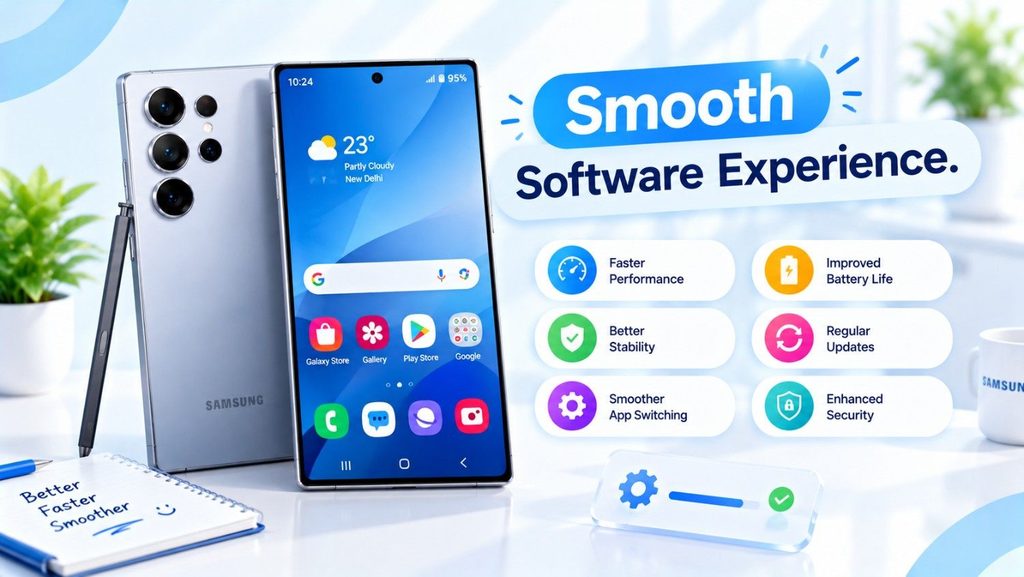
The Samsung Galaxy S26 Ultra runs on the latest version of Android and Samsung’s One UI, making it easy to use and customize. The S26 Ultra has everything you need. You can increase your productivity with Samsung DeX’s desktop-like interface or quickly lock your phone with facial recognition and an in-display fingerprint scanner. It also works with the S Pen, which is great for writing down ideas or notes.
Samsung Galaxy S26 Ultra Connectivity.
With 5G, Wi-Fi 6E, Bluetooth 5.3, and NFC for contactless payments, it’s easy to stay in touch. The phone also has stereo speakers tuned by AKG with Dolby Atmos technology that make sound rich and immersive. This makes it great for music, movies, or gaming.
Conclusion for Samsung Galaxy S26 Ultra.
The Samsung Galaxy S26 Ultra looks like it will be a great flagship phone with a beautiful screen, fast performance, great cameras, and a lot of features. The S26 Ultra is definitely one to keep an eye on in 2026, whether you’re a tech lover, a content creator, or just someone who wants a stylish and powerful phone with an amazing camera.