

Active Matter is a hardcore online shooter from Matter Team, published by Gaijin Network Ltd. It’s built around extraction-shooter mechanics layered with PvPvE combat, all set inside a fractured multiverse. You drop into quantum-unstable zones, grab whatever Active Matter and loot you can find, deal with creatures and rival operatives along the way, and try to make it out alive.
The PlayStation 5 version came out at the same time as the PC and Xbox Series X|S releases, so nobody had to wait around for a delayed console port this time.
Active Matter PS5 Release Date
Active Matter landed on PS5 on September 15, 2026. It’s live right now — you can just go download it.
Active Matter PS5 Gameplay and Features
Story and Game World
The setting is a multiverse that’s come apart at the seams, where time and space don’t behave the way they’re supposed to. You’ll find yourself exploring places like a Soviet-era industrial island and a quarantine zone in Central Africa, along with a handful of other environments that feel just as unstable as the story suggests.
Combat and Abilities
Gameplay leans into realistic weapons, scavenging loot, taking on contracts, and getting out before things go wrong. Anomalies scattered around the map can mess with gravity and warp the environment itself, and creatures twisted by exposure to Active Matter will come after you. On top of that, you can pick up or craft gear and weapons mid-raid.
Multiplayer or Co-op Features
This is very much an online-first shooter, mixing PvP with PvE. You’ll be running raids where you might face off against AI enemies one minute and rival players the next. According to the PlayStation Store listing, matches can hold up to 16 players at once, and the game’s earlier PvE/PvPvE design also leaves room for squad-based play.
Active Matter PS5 Performance
PlayStation’s official listing confirms this is a proper PS5 version, with PS5 Pro Enhanced support and DualSense vibration built in. You’ll also need an online connection to play.
That said, PlayStation hasn’t published exact resolution or frame-rate numbers for the PS5 version. So if you see specific FPS or resolution claims floating around elsewhere, take them with a grain of salt — they’re not coming from an official source.
Read More: Xbox Disc-to-Digital Feature for Physical Games
Active Matter PS5 Price and Editions
On the US PlayStation Store, the standard edition of Active Matter runs $29.99. There are also Advanced and Deluxe editions if you want extra in-game currency, gear, and other bonuses thrown in. Just keep in mind prices can shift a bit depending on your region.
Is Active Matter Coming to PS5?
It’s already here. Active Matter released on PS5 on September 15, 2026, alongside its Steam and Xbox Series X|S versions.
How to Fix Crash, Black Screen & Matchmaking
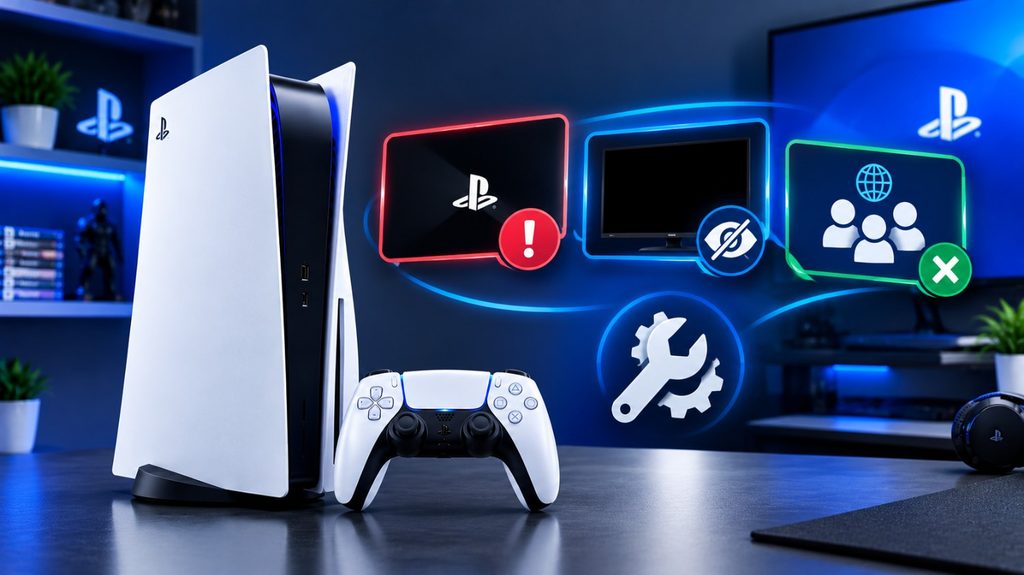
Common issues with Active Matter are crashing on startup or during a Raid, black screens, matchmaking errors, Connection Lost, FPS dips and stuttering. There were some issues during testing and some have already been fixed in recent patches. This help guide explains how to identify the cause of your problem and which cure to try first.
Common Errors and Symptoms in Active Matter
Before going through the detailed troubleshooting methods, check out the table below with the symptoms to quickly discover the core cause of your issue. Active Matter issues can range from game-client bugs and hardware limitations to network instability, thus knowing if your error is performance, launch, or connection related will save you time and help you apply the proper remedy immediately.
1. Crashing
Common symptoms: the game crashing on launch, crashing during the loading of a raid, or frequently crashing on particular maps.
Possible reasons: include hardware instability, corrupted files, shader cache issues, GPU driver problems, and game flaws.
To Start with: Verify the game files and update the game.
2. Black Screen
Common symptoms: The screen remains black when entering or starting a Raid, or when switching to spectator mode.
Possible causes: Game bugs, rendering or loading issues, or GPU driver problems.
Start with: Update the game, then restart it.
3. Matchmaking Not Working
Common symptoms: You’re unable to find other players, matchmaking keeps searching without success, you receive a matchmaking error, or you can’t enter PvP.
Possible causes: Low queue population, crossplay settings, issues with the matchmaking service, or connection problems.
Start with: Check for updates, then review or adjust your queue and matchmaking settings.
4. Connection Lost
Common symptoms: A match is found, but the connection drops before entry, or you get disconnected while loading into PvP.
Possible causes: Server issues, packet loss, or an unstable network route.
Start with: Check the server status and your network connection.
Important: Network issues are not the cause of all Active Matter errors. While matchmaking failures and Connection Lost errors may be caused by the game servers or your own connection, crashes, black screens may be caused by the game itself or your hardware.
Here is a good list of some of the Hidden PS5 features most people miss:

1. Voice & control
“Hey PlayStation” voice commands Turn on under Settings > Voice Command > Enable Voice Command to launch games/apps, control media playback, or capture gameplay hands-free using the controller’s built-in mic — no headset required. Still limited / beta. (good reads).
TV remote control – You can control the PS5 straight from your TV remote for apps such as Netflix, bypassing the controller entirely. (goodreads).
Hold the PS Button = instant Home – Holding the PS Button for a few seconds will take you right back to the Home screen.
2. Privacy & Spoilers
Spoiler warnings – Go to Settings > Save Data and Game/App Settings > Spoiler Warnings and switch it on to avoid spoilers from shared content.
Mic auto-mute control – the DualSense mic will automatically turn on at startup, but you may modify that in PS5 settings.
3. Audio modifications
Disable the startup beep – eliminates the loud boot chime, in sound settings.
4. Statistics Tracking
Per-game playtime – From Home > Profile > Games, tap your avatar to show playtime for each game and PS4 game stats, including trophies earned and progress toward Platinum.
5. Controller/audio quality
If you use DualSense’s built-in mic for voice chat, it automatically reduces the power of haptic feedback and adaptive triggers, so you’ll want to use a headset instead if you want the full haptic experience.
Popular PS5 Features Worth Knowing

1. Accessibility (Settings > General > Accessibility)
- Zoom feature – Settings > Accessibility > Display and Sound > Zoom, then press PS + Square simultaneously to zoom in on any game screen. Pan around with the analog stick.
- Screen reader: reads words on the screen aloud, ideal for menu navigation.
- Bigger default text size for those who find UI text too small.
2. Game Presets (a significant time-saver)
Settings > Saved Data and Game/App Settings > Game Presets lets you set your game defaults – Performance Mode vs. Resolution Mode, difficulty setting, subtitles on/off, first/third person camera (where supported) – so every new supported game will start up with your preferences already set, rather than having to reconfigure each time.
3. Expand Storage
You can install a M.2 SSD yourself: power off, unplug, remove the side panel, locate the M.2 slot, insert the SSD at an angle, screw it down, replace the panel, power on and the PS5 will prompt you to format it automatically. This is the genuine remedy for continuous “storage full” warnings, considerably better than juggling deletions.
4. Display
Match your TV’s resolution, enable HDR if your TV supports it, and change the refresh rate settings to reduce screen tearing – all in Settings > Screen and Video.
Conclusion
Active Matter is officially live on PS5, bringing its extraction-shooter core, PvPvE battles, and multiverse setting to Sony’s console. Between the multiple editions, online multiplayer, and PS5 Pro Enhanced support, it’s a solid pick if you’re after a loot-and-extract shooter with real stakes on every raid.
Frequently Asked Questions
Q.1. First of all, Is Active Matter available on PS5?
Answer- Yes, it launched on PS5 on September 15, 2026.
Q.2. I wanna ask, When is Active Matter releasing on PS5?
Answer- It already released, on September 15, 2026.
Q.3. I want to say, Is Active Matter free to play?
Answer- No, it’s a paid title. The standard PS5 edition is listed at $29.99 on the US PlayStation Store.
Q.4. Are you Know, What type of game is Active Matter?
Answer- It’s a hardcore online extraction shooter with PvPvE combat, raids, loot, and multiplayer battles at its core.
Q.5. Answer me , Will Active Matter support PS5 features?
Answer- Yes, the PS5 version supports DualSense vibration and carries PS5 Pro Enhanced status.