

Apple has some best things for you if you make music, videos, or digital art. They Launched Apple Creator Studio, a new subscription service for creative people that includes everything they need.
You could call it a “super bundle.” You can now get all of the professional apps you need for a single monthly fee instead of buying them one at a time. This is Apple’s version of Adobe Creative Cloud, but it’s made just for your Mac and iPad.
Here Fixed of “How to resolve the “cannot connect” issue for the creator studio”
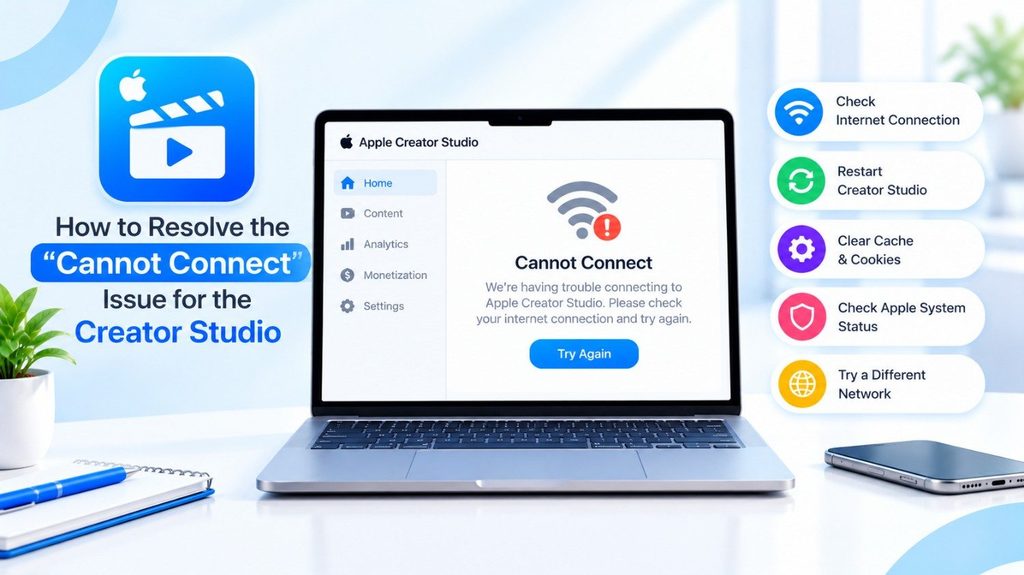
We discover an unofficial Apple repair for “cannot connect” Issue in Apple Creator Studio. These are Best methods, starting with most likely causes:
Visit Apple’s System Status page
(apple.com/support/systemstatus). If there is an issue with App Store, Apple Account or iCloud services, just wait it out. A third-party tracker also reported an increase in “couldn’t connect, try again later” reports for the Creator Studio Content Hub.
Sign out and sign back in.
Open the App Store app, tap Store > Account, then tap Sign Out. Sign out of your Mac or iPad and sign in again with the same Apple ID used for the subscription. Here’s how Apple’s forums users fixed a subscription not being recognised.
Confirm the subscription.
Go to Settings > [your name] > Subscriptions, or the App Store account page, to verify sure it’s active under the proper Apple Account.
Update everything.
Update to the latest version of macOS or iPadOS, and the latest version of your apps.
Test your network.
Try toggling between Wi-Fi and a phone hotspot, and disabling any VPN, proxy or DNS filter. If it works on the hotspot, it means your router or network is obstructing it.
Restart/Reinstall the App
Close it totally and Restart it or remove it and download it again.
Here is a simple list of what it includes, how much it costs, and why creators are so excited about it.
What is the Apple Creator Studio?
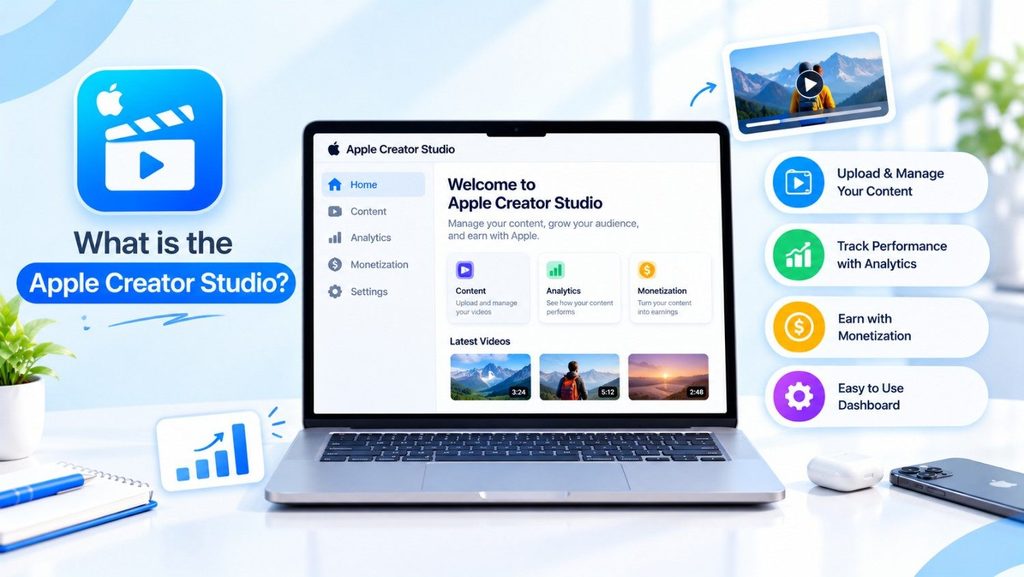
Apple Creator Studio is a service that allows you use Apple’s best creative apps. It is made for everyone, from students making their first short film to professional YouTubers and musicians.
The package comes with:
- Final Cut Pro: For editing videos.
- Logic Pro: For making music and sound.
- Pixelmator Pro: For editing photos and making graphics (Apple just bought it!).
- Motion & Compressor: These are programs that help with video effects and exporting.
- MainStage: This is for live music performances.
Before this, you had to buy each of these apps separately or sign up for them on the iPad. Now, one plan covers everything.
Read More: Samsung’s Next Big Thing, the Samsung Galaxy S26 Ultra.
New and Cool Features With Apple Creator Studio (All AI Tools)
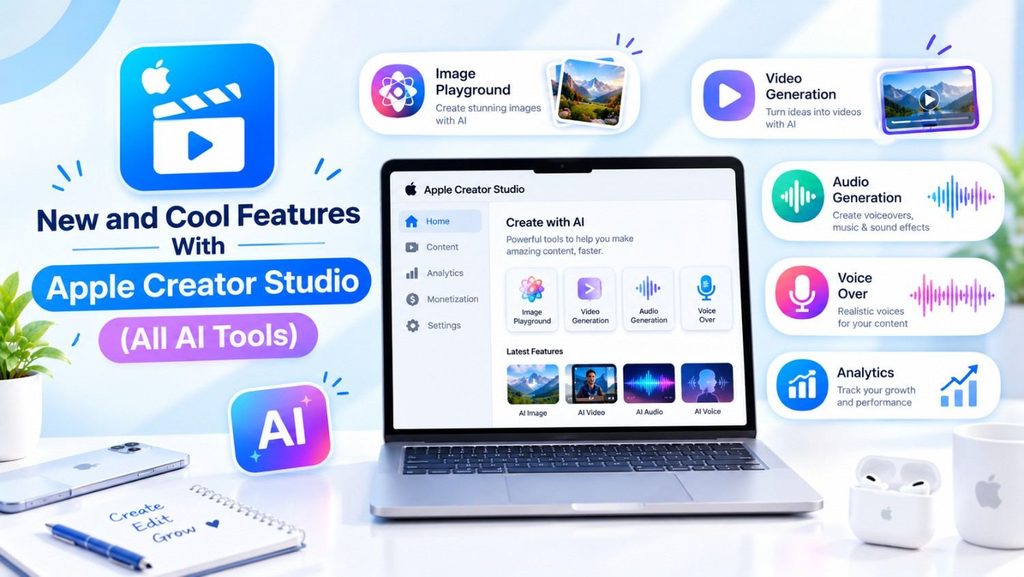
Apple isn’t just putting old apps together; they’re also adding smart AI features to them to help you work faster.
1. Editing videos is easier
There is a new feature in Final Cut Pro called “Visual Search.” Let’s say you have a lot of video footage. Just type in “dog running” or “red car,” and the AI will find those clips right away. You don’t have to watch the whole thing to find the right time.
2. Help with Music
Logic Pro now has a feature called “Beat Detection.” You can add a video clip to your music timeline, and the app will listen to the music and show you where the beats are. This makes it very simple to change the video to match the beat of a song.
3. Pixelmator on the iPad
This bundle includes Pixelmator Pro for the iPad for the first time. You can use your Apple Pencil to edit photos with professional tools. It also has a “Warp” tool that makes it easy to change the shape of things in your pictures.
How much does it cost?
This is the part that everyone is talking about. Compared to other professional tools, Apple has set a very low price for this.
- Monthly Price: $12.99 per month
- Yearly Price: $129 per year (which saves you some money)
- Student/Educator Price: There are special discounts, and students can reportedly get them for about $2.99 a month.
Is There a Free Trial?
Yes! Apple is giving you a one-month free trial so you can try out all the apps before you buy them.
Should You Switch from Adobe Creative Cloud?
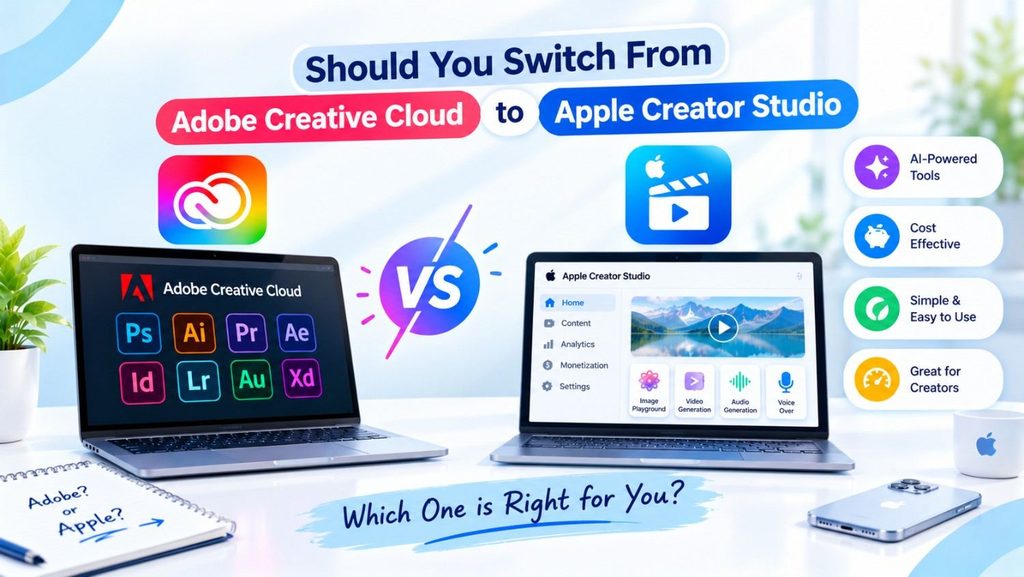
A lot of creators use Adobe Creative Cloud, which has Photoshop and Premiere Pro in it. Should you switch to Apple Creator Studio then?
You might enjoy Apple Creator Studio if:
- You only use a Mac or iPad.
- You want to save money (Adobe can cost more than $50 a month).
- You want apps that work quickly and don’t use up your laptop’s battery.
You might want to keep using Adobe if:
If you have a Windows PC (Apple apps don’t work on Windows). You need very specific tools for your field, like After Effects or Illustrator, that don’t have a perfect Apple version yet.
Last Thoughts
Apple Creator Studio is a huge win for creators who want professional tools without having to pay a lot of money. Apple is making it easier for anyone to start making high-quality content by putting together video, photo, and music apps into one cheap package.