

After using Instagram for a while, you most likely won’t even recognize it when you glance at your feed. Somewhere along the way, the algorithm decided you love content you’ve never actually cared about, and now it won’t stop showing you more of it.
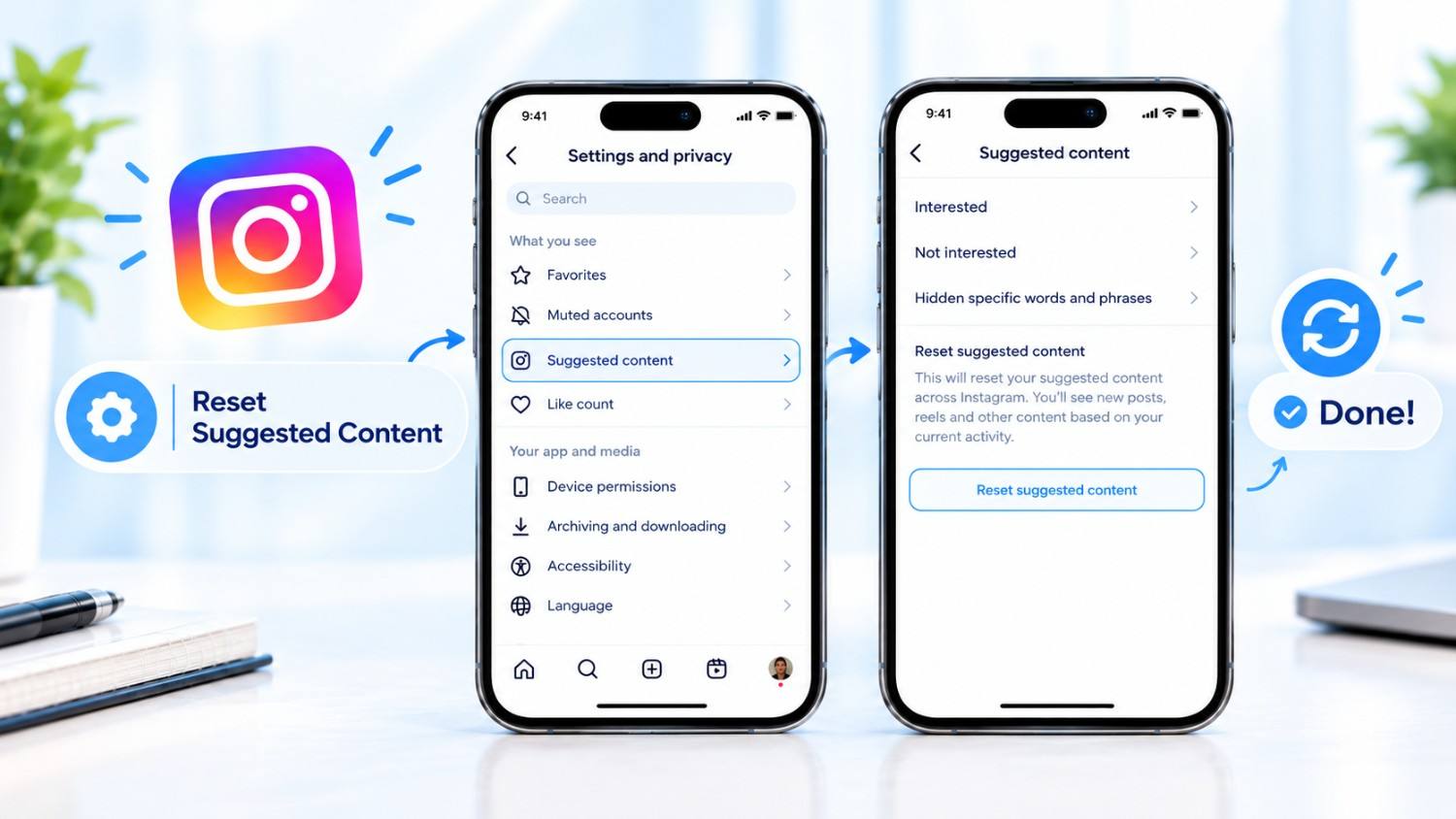
The good news?, Instagram gives you a way to fix this. You can reset your feed (Suggested Content) recommendations and essentially start fresh. This guide walks you through exactly how to do it, what to expect when you do, and how to stop it from going sideways again.
What Does Resetting Your Feed Actually Do?
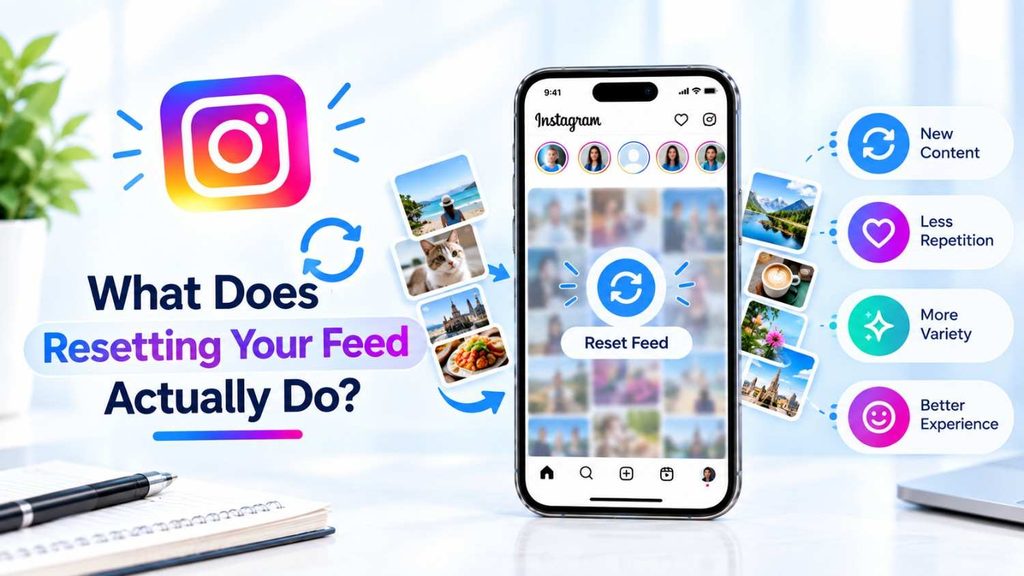
Let’s get one thing straight right off the bat: resetting your feed doesn’t affect your account. Your posts, your followers, your DMs – nothing is changing. It’s just the data Instagram uses behind the scenes to determine what to show you that will change.
How Instagram Determines Your Interests
Instagram keeps an eye on things. It watches which posts you linger on, which Reels you replay, what you search, who you follow, and what you interact with. All of that feeds into an algorithm that tries to predict what you want to see next.
Sometimes it gets it right. Other times, one random rabbit hole sends your entire feed in the wrong direction.
What’s Different After a Reset?
When you restart:
- Your feed recommendations are deleted and rebuilt
- The Explore page is completely different- Reels suggestions start from the ground up again
- Instagram slowly learns your tastes again by looking at what you do next
Why Would You Want to Reset It Anyway? Your Feed is a Mess
Maybe you watched a few cooking videos during a slow afternoon and now that’s all you see. Or you clicked on something once out of curiosity and the algorithm ran with it. It happens.
Your Interests Have Changed
You’re not the same person you were two years ago. If your feed still reflects who you were back then, a reset makes sense.
You Just Want a Clean Slate
Sometimes there’s no dramatic reason – you just want to start over and see what Instagram serves you when it doesn’t have a bunch of old signals cluttering things up.
Does Instagram Have an Official Reset Feature?
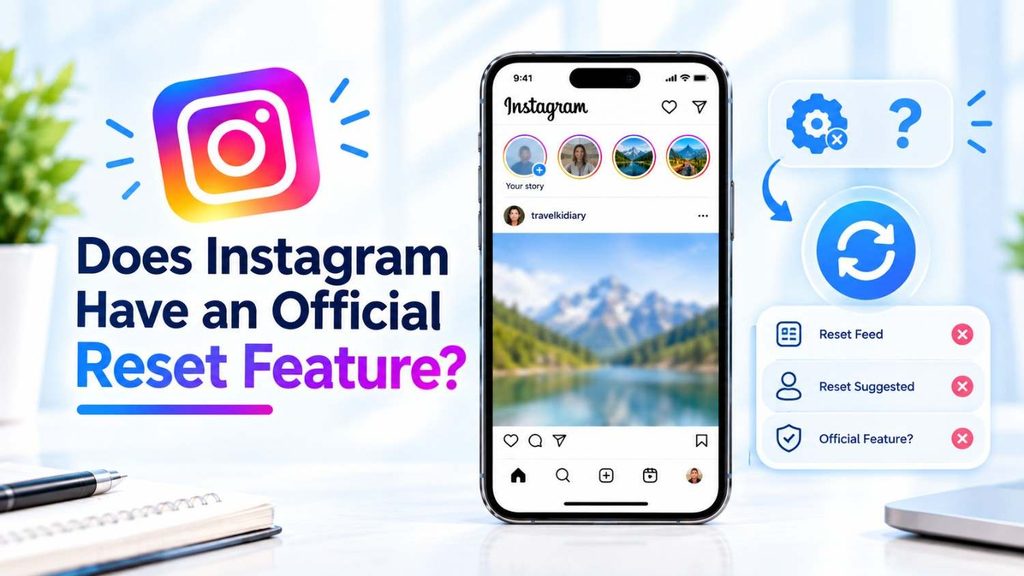
Yes, actually. Instagram has been rolling out a proper recommendation reset option that clears suggested content across your Feed, Explore, and Reels all at once. It’s not available to everyone yet – it’s still gradually making its way to different regions and app versions – but if you have a recent update installed, it might already be there.
- Step 1: Go to get to your Profile, open Instagram and click on your picture in the Bottom Right Area.
- Step 2: Then, Find the three-line Menu (☰) in the Top right corner.
- Step 3: You need to find “Content Preference“.
Step 4: Now Look for the “Reset Suggested Content” button. - Step 5: Tap on Next and after this Tap on “Reset Suggested Content”
Read More: Unmute Someone’s Notes on Instagram
What to Expect After the Reset
Right after you reset, things might look a little strange. Instagram doesn’t have much to go on, so it’ll probably show you a fairly generic mix of content at first. Give it a few days.
As you interact with posts – even just scrolling past some and stopping on others – it starts building a clearer picture of your preferences. Most people notice a real improvement within a week or two, depending on how active they are.
Is “Resetting Your Instagram Feed or Suggested Content” a good idea?
it can be worth doing if your feed has wandered toward stuff you don’t really want to see anymore. Here is the real deal:
When it helps:
- Your Explore page/Reels are full of stuff you don’t care about (or find unhelpful/negative).
- You want a cleaner, more intentional feed after a phase of doom-scrolling or clicking random content.
- You’re trying to break a habit loop tied to specific triggering content.
Notes:
- But it’s not permanent – the algorithm quickly rebuilds with new activity, generally within days.
- Initially you’ll get a more generic feed so it may feel less relevant at first.
- It won’t fix an addictive – feeling bond with the application on its own – that’s more about usage patterns than standard algorithm tuning.
Keeping Your Feed in Good Shape Going Forward
The reset is a one-time fix. What keeps your feed healthy long-term is a bit of ongoing maintenance.
Be selective about who you follow. Following accounts just because they showed up as a suggestion isn’t great for your feed in the long run. Stick to people and brands whose content you genuinely look forward to.
Give feedback regularly. “Not Interested” is a powerful button that most people underuse. Make it a habit.
Check in on your recommendations occasionally. Look at what Instagram is showing you every couple of months and make changes based on what you find.
Troubleshooting
Not able to locate the reset button? It may not have reached your account yet. Try updating the app and checking again in a few days.
Your feed isn’t changing? Manual adjustments take time to register. Keep engaging with content you like and flagging what you don’t – consistency matters here.
Still seeing the same stuff after days? Check to see if you’re actually engaging with new material and not just scrolling.
Wrapping Up
Your Instagram feed should reflect what you truly enjoy, not what you used to enjoy, and certainly not the consequence of a few inadvertent clicks. Whether you use the built-in reset feature or go the manual route, you have more control over this than most people realize.
The reset gets you back to zero. What you do after that is what shapes your experience going forward. Engage with what you love, dismiss what you don’t, and Instagram will catch up quickly enough.
FAQs
Q.1. Answer, How can my Instagram feed be totally reset?
Answer- Go to Settings and Privacy and find the recommendation reset button. If it’s not showing yet, clear your search history, unfollow accounts that don’t fit your interests, and use “Not Interested” on unwanted posts.
Q.2. Are you Know, Will a feed reset delete my posts or followers?
Answer- Not at all. It only affects suggested and recommended content – your account stays exactly as it is.
Q.3. Say, Does resetting affect my Reels recommendations too?
Answer- Yes. Reels suggestions are part of the reset, so expect those to change noticeably as well.
Q.4. Say, Can I undo a reset?
Answer- There’s no undo button. But Instagram will rebuild your recommendations naturally as you use the app, so things will settle back into place based on your actual behavior.
Q.5. Answer, How long until my feed feels normal again?
Answer- Most people see a big improvement in a few days to 2 weeks. It relies on how frequently you use Instagram and how much you interact with the content.