

For OnePlus enthusiasts, the moment is nearly here. OnePlus is preparing to roll out its highly awaited OxygenOS 16. Renowned for its rich, fast, clean, and stable software, OnePlus was among the first brands to adopt Google’s latest Android version into its ecosystem.
After several months of open beta trials, OxygenOS 16 is evolving into a considerable enhancement with optimized system performance, advanced AI functionalities, fresh graphics, and enhanced privacy measures.
Let’s Know, What’s the bug?
The newest OxygenOS updates (16.0.7.XXX and 16.0.5.XXX) cause boot loops, random restarts and stalling during boot, leaving devices stuck on the OnePlus logo. That is why OnePlus has called off these improvements.
Possible reasons
Possible reasons are:
The reasons for the breakdown could be: Corrupted system partition after the OTA update, kernel or boot image mismatch, unsuccessful optimisation on the first boot, rollback protection fault, and memory and process management problems with OxygenOS 16. There have been more user reports of slow UI, overheating, programme stalling, animation stutters, and random system hangs before reboot.
How do you solve it?
- If you have not upgraded yet, do not install 16.0.7.xxx or 16.0.5.xxx to repair the issue. The best thing to do is wait for a patched release from OnePlus.
- Clear the cache partition If that does not cure your restarting but functioning phone , then : Then switch off the phone. Next, press and hold the Power and Volume Down keys together to enter Recovery mode. Select “Wipe cache” and reset the device. This may alleviate problems that are sometimes caused by corrupted cache files following an upgrade.
- Some OxygenOS builds that have stability issues can be helped by turning off RAM expansion temporarily. To do this, navigate to Settings, then About Device, then RAM, then RAM Expansion. Disable the option and reboot the device for the changes to take effect.
- To reset app optimisation, go to Settings and tap Apps & App Management. Wipe caches of System Launcher, System UI and Google Play Services Follow these procedures and restart your phone.
- If your OnePlus phone is stuck on logo and boot looping then try to forcibly restart it. For this tap and hold the power button for 15-20 seconds. If the device restarts normally, back up your data immediately and do not reset the phone to prevent recurring issues.
- If the boot loop continues, turn off the device and start it in Recovery Mode by holding the Power and Volume Down keys together. Try the following choices in Recovery Mode:
- Option A is to reboot the system and try again.
- alternative B is deleting the cache. This is a safer alternative.
- Option C is a factory reset and should only be used when all other options have been exhausted as it will delete all data from the device.
Now Safest Advice
For now the safest advise about OxygenOS 16.0.5 / 16.0.7 is to avoid it. If the software is currently installed and stable, users should refrain from conducting a factory reset unless absolutely necessary and downgrading unless there is an approved solution available. It is recommended that you back up your data immediately. Once confirmed, the repair will be rolled out as a patched OTA update from the OnePlus Community.
Release Date of OxygenOS 16
In April 2025, OnePlus initiated its Android 16 OS program, allowing months of public evaluation ahead of the official rollout. After Google’s formal release of Android 16 in June 2025, OnePlus is set to launch OxygenOS 16 for its devices.
While the Nord series is expected to see the update in early 2026, flagship smartphones are likely to receive the stable update between September and November 2025. Following OnePlus’ typical phased rollout strategy, the deployment will commence in key regions such as North America, Europe, and India before expanding to other areas worldwide.
OnePlus Devices Compatible with OxygenOS 16
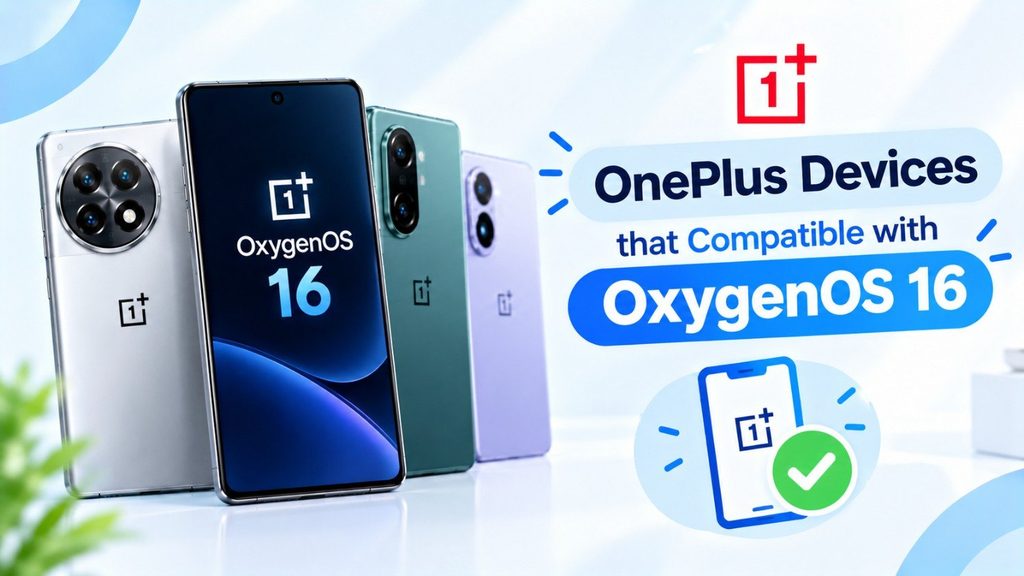
Flagship Devices
- OnePlus 13, 13R, 13T, and 13s
- OnePlus 11, 11R, 12R, and 12
The Nord Lineup
- OnePlus Nord 4
- OnePlus Nord 3
- OnePlus Nord CE 4
- OnePlus Nord CE 4 Lite
Tablets & Foldable Devices
- OnePlus Pad, Pad 2, and OnePlus Open
(Note: The final list may be influenced by OnePlus’s confirmations and local regulations.)
Read More: Google’s Affordable AI Plus Subscription Plan, Access to Veo 3 Fast, and more.
OxygenOS 16 Features.
1. A Revamped User Interface.
- Smoother transitions and animations.
- Six new lock screen clock styles are available in Shelf.
-The Quick Settings panel has been redesigned with text labels.
-The tile selection screen has been enhanced for better usability.
-A redesigned three-dot menu and improved sorting capabilities are elements of the updated app drawer.
2. AI-Driven Enhancements.
- AI VoiceScribe for VoIP call recordings, live captions, and summaries on Instagram, Telegram, and WhatsApp.
- For smarter gallery searches, AI-powered image recognition.
- Predictive suggestions and context-aware reminders.
3. Improved Battery Features & Performance
For longer battery life, charging limit controls are set at 80%, 85%, 90%, and 95%.
For the best CPU/GPU performance, use Adaptive Performance Mode.
Multitasking and RAM management have been enhanced.
4. Security & Privacy Enhancements.
- Enhanced Permission Manager providing greater control.
- A secure area to conceal files and applications.
- App Lock and Privacy Dashboard for comprehensive system security.
5. Improvements to Gaming.
- A new gaming dashboard with Pro Gamer, Balanced, and Power Saving settings.
- Enhanced stability of the screen frame rate and decreased latency.
- On-screen tracking of FPS and performance metrics.
Comparison of OxygenOS 16 and OxygenOS 15
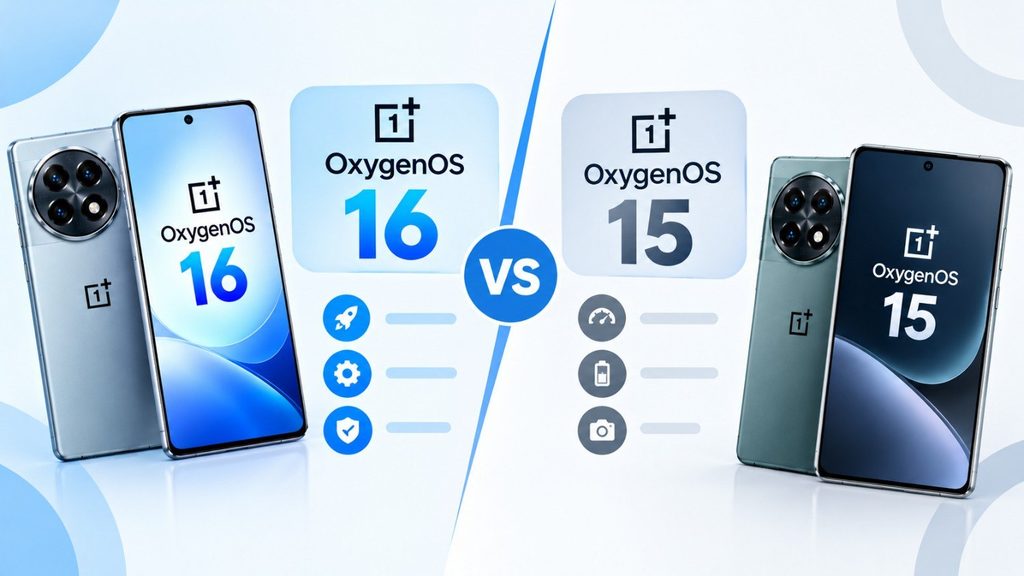
- Design: Unlike the more basic OxygenOS 15, OxygenOS 16 features a contemporary user interface and smoother animations.
- AI Integration: OxygenOS 15 does not include advanced AI functionalities such as VoiceScribe and predictive gestures.
- Battery: Enhanced charging limit controls that ensure the long-term health of the battery.
- Gaming: A better gaming dashboard compared to the limited Game Mode in the previous OS.
- Options for private storage and more advanced app lockdown features.
- Read More: iOS 26 Rolls Out: Everything You Need to Know.
OnePlus OxygenOS 16 Installation Guide.
OxygenOS 16 will install easily and safely when released. Users can check for updates via Settings > System > Software Update. Before downloading and installing updates, make sure your phone has at least 50% battery life and a reliable Wi-Fi network. Restarting your smartphone activates OxygenOS 16’s new features and enhancements after installation.
Conclusion
With OxygenOS 16, OnePlus is raising the bar for Android updates once more. With a redesigned UI, AI-powered features, better gaming experiences, and longer battery life, this upgrade combines performance with innovation.
For owners of OnePlus flagship or Nord series devices, the stable OxygenOS 16 update—one of the biggest software updates OnePlus has ever released—should be available in the upcoming months.
FAQs About OnePlus OxygenOS 16.
Q1. Answer, When is OxygenOS 16 expected to be released?
Ans. A steady rollout is projected to begin in late 2025 for flagship models, with Nord devices to follow in early 2026.
Q2. Say, Which phones will be among the first to receive OxygenOS 16?
Ans. The update is likely to be first available for the OnePlus 13 and OnePlus 12 series.
Q3. Answer, What is the most notable change in OnePlus OxygenOS 16?
Ans. AI VoiceScribe, improved power management, a new gaming dashboard, and a redesigned user interface are all part of the update.
Q4. Say, Is OxygenOS 16 built on Android 16?
Ans. Yes, OnePlus’s custom skin, OxygenOS 16, is based on Google’s Android 16.